
Home › AI product photos
AI product photos: put what you sell in the frame, no studio needed
A product listing sells on its visual first. A real photoshoot needs a photographer, a set, lighting — and the whole thing starts over for every new SKU or seasonal variant. This page explains how to produce those visuals with AI, what you actually get, and — just as important — where it doesn't work.
Two paths, and they are not the same thing
This is the distinction that decides the result.
- Describe a scene from scratch (Image studio). The AI invents a plausible object matching your description. Good for a mood board, a category illustration, testing an ad angle. The product you get is not your actual product.
- Start from your own photo (Edit studio). Upload a photo of your product and describe the change; the object, its shape and its label are preserved — only the setting and lighting change. This is the path for a real listing.
A real example, with the exact prompt behind it
Both images below came out of the Image studio. The caption under each is the actual text used to generate it — nothing rewritten for the page.
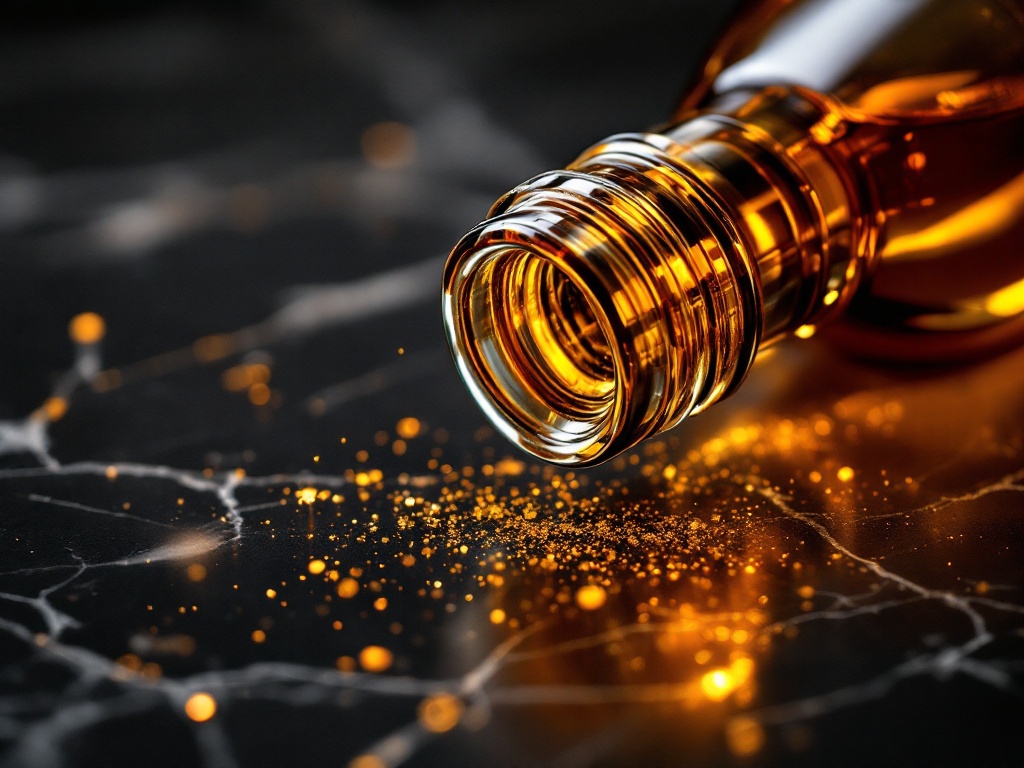
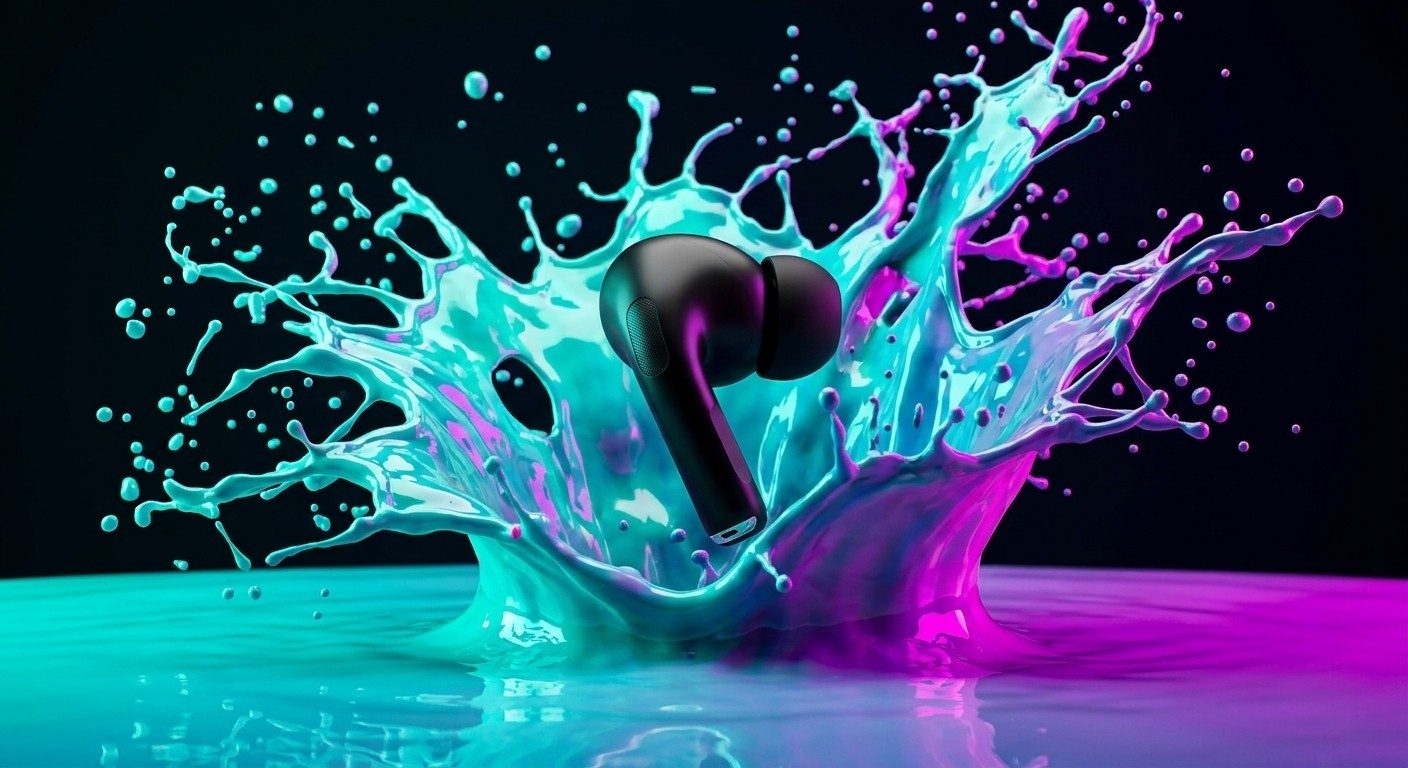
What to take from these when you write your own: the prompt names the subject, the material, the surface, the light and the background. That precision matters far more than the length.
Starting from your own product photo
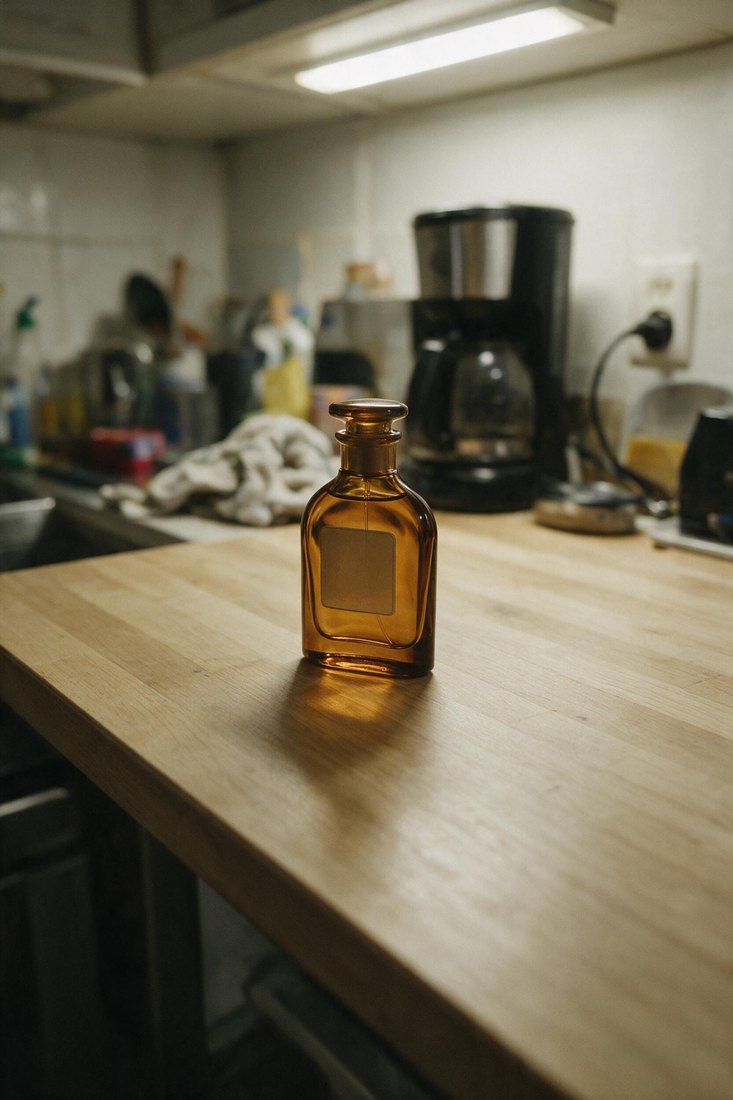
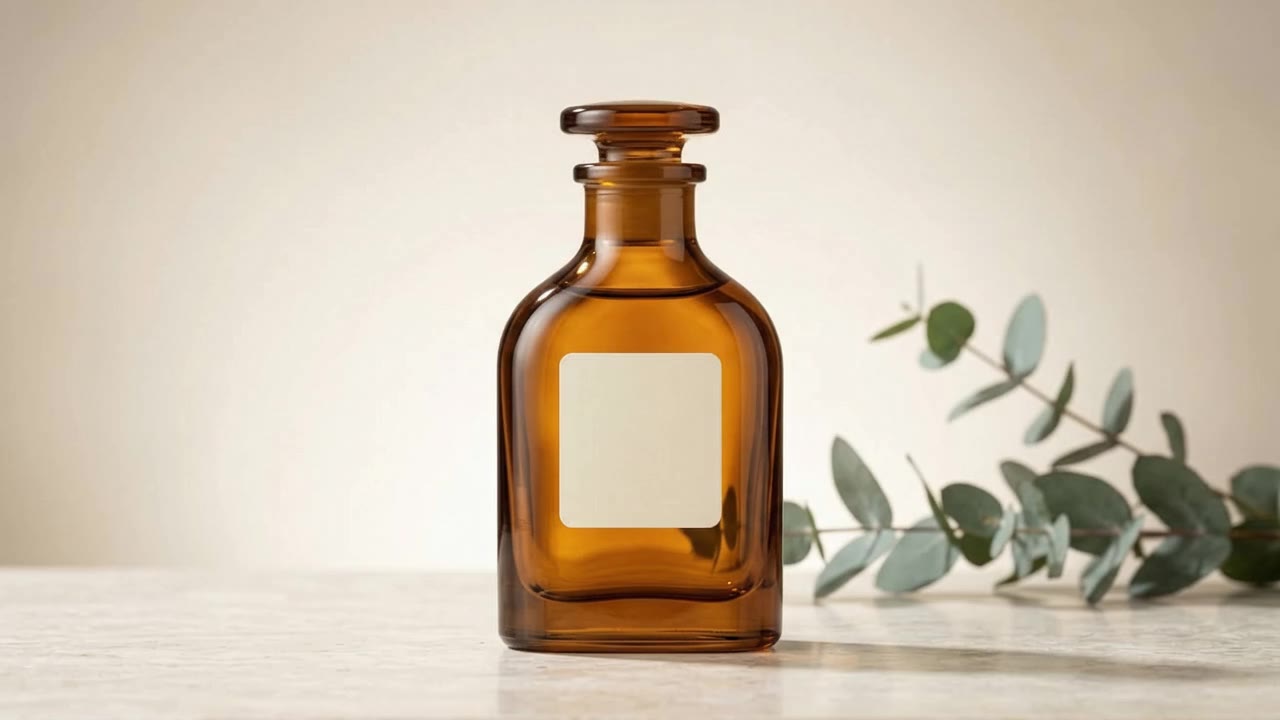
A real case: a bottle shot on a countertop with a phone camera, then run through the studio. Same object, same label — only the setting and lighting change.
Formats, resolution, watermark
Nine formats are available, from square to vertical, up to 4K. Images come out watermark-free, including on the free plan. 4 image models are available (Seedream 4.0, Nano Banana Pro, Nano Banana 2, FLUX Pro 1.1); switching between them doesn't require a different plan. An image can then be upscaled ×4 for print, or turned into a video.
What it costs
The credit cost shows on the button before you generate. An image with the catalog's cheapest model costs 4 credits; an edit starting from your own photo, 2 credits; a ×4 upscale, 3 credits. A free account gets 10 credits every month, no card required — enough for two premium images. Beyond that, see pricing.
What this doesn't replace — honestly
Text on packaging. This is the most awkward limit and the least talked about: image models reproduce logos, labels and legal text very poorly. A fully-invented image will often show distorted lettering. If your product carries readable branding, use the Edit studio starting from your own photo — that's exactly what it exists for.
Commercial accuracy. An invented image shows a plausible object, not your actual SKU. Presenting a generated product as the one you sell can run into misleading-advertising rules in your market; when in doubt, get advice.
Difficult materials. Clear glass, highly reflective metal and fine-pattern fabric are where results slip most often. Plan for a few attempts rather than one.
It's not a photographer. For a catalog that must match the shipped object exactly, a real photoshoot is still the reference. AI wins on volume, variants and quick testing.
Where to start
Open the Image studio and describe a scene, or upload your own photo straight into the Edit studio.
Try it
10 free credits every month, no card required — enough for two premium images.
Create my free account